| Support Category: Course Launch | Relaunch Completed Course |
| Specialist Notes: |
Please provide the guide below for users who wish to review the 'When to Report Suspicious Emails' training after having completed it.
| Canned Response Code: /Dexcom12 |
| Standard Response: |
To review the content of the training, kindly follow the steps listed below.
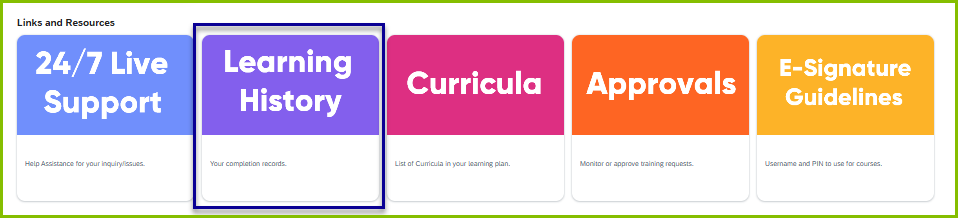
• On your DLC homepage, scroll down and click on the Learning History card.
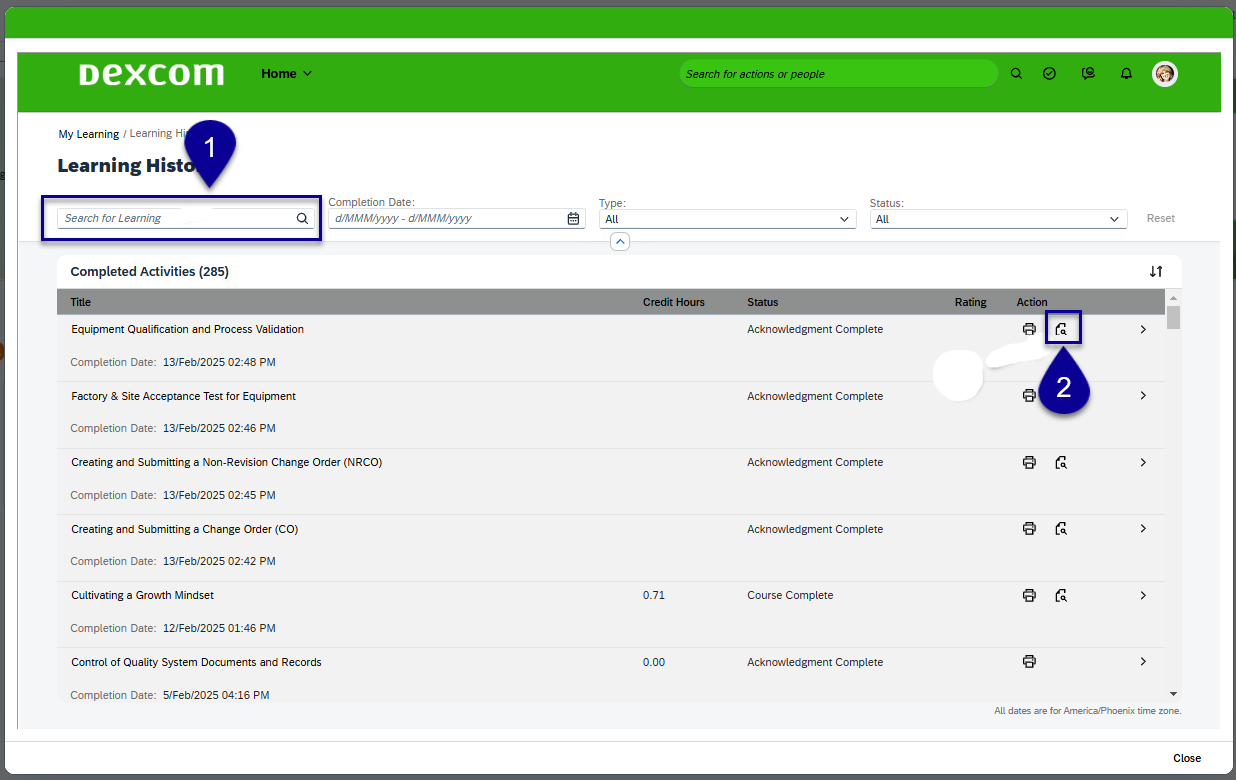
• A window will pop up showing you all the training you have completed.
1. Use the 'Search for Learning' feature to locate the courses you’d like to review.
2. Then, click the magnifying glass icon under the 'Actions' column.
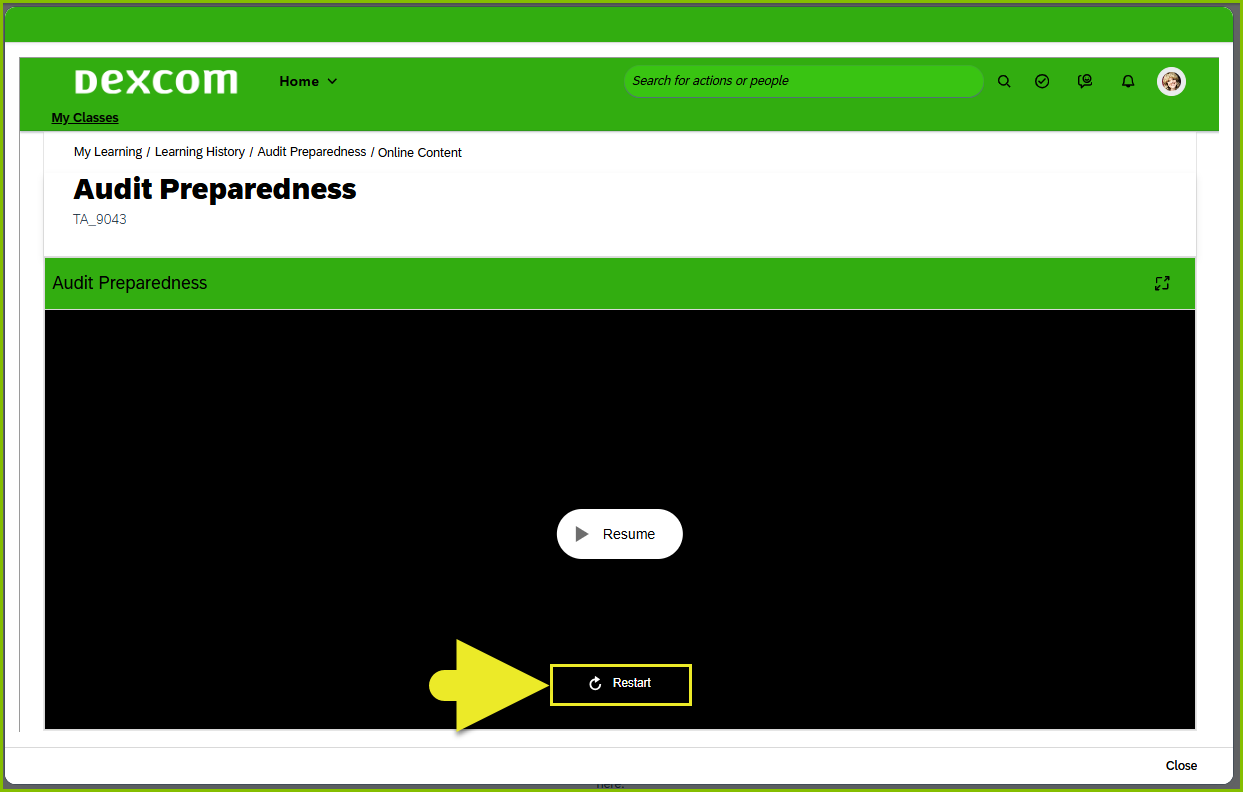
• The course will open for you to review. Click 'Restart' at the bottom of the screen.