| Support Category: SSO |
| Specialist Notes: |
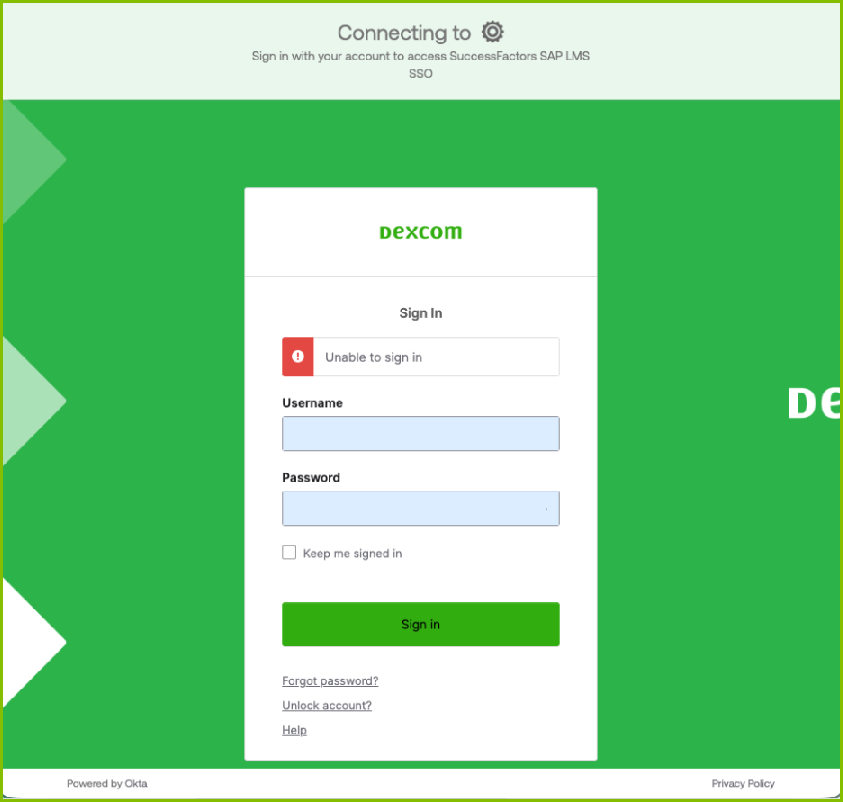
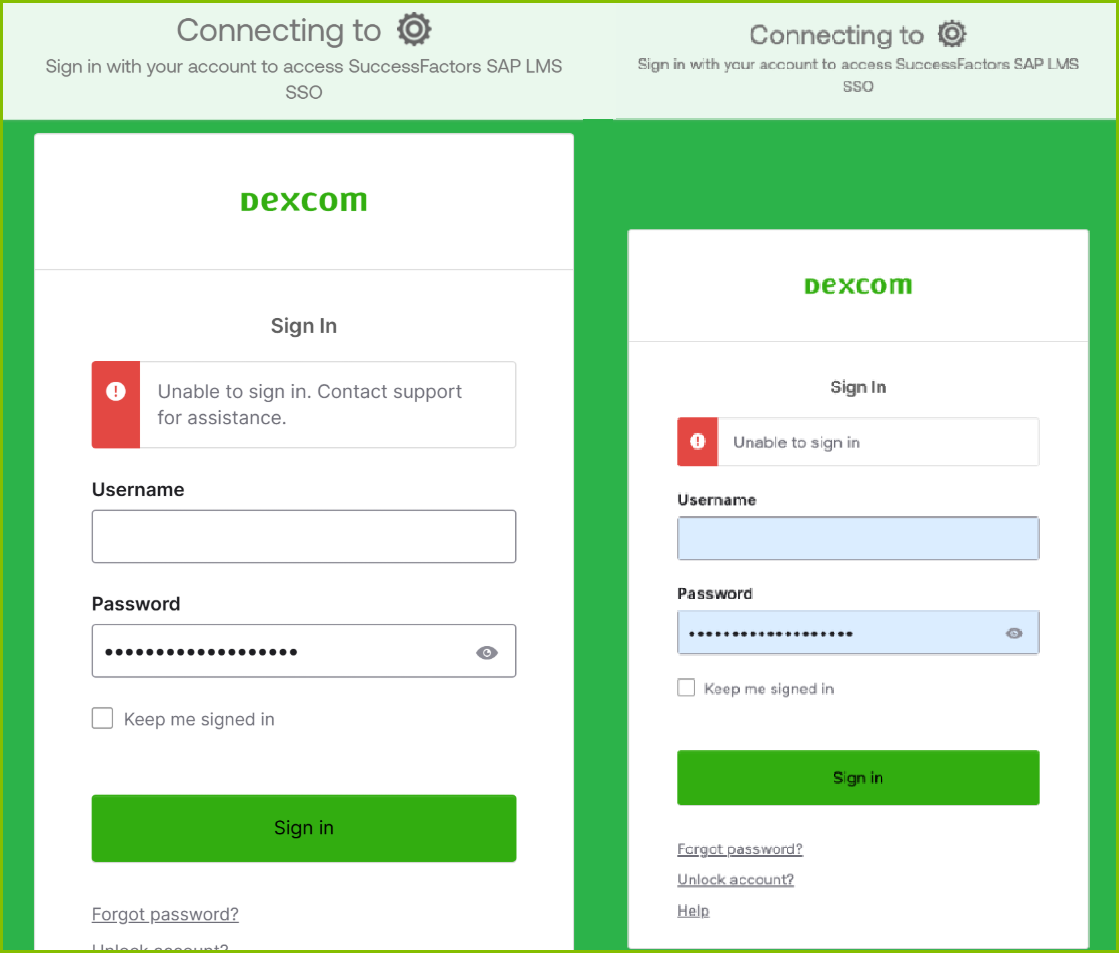
Use this SR when a DLC user receives either of the following error messages while signing in through SSO.
- “Unable to sign in”
- “Unable to sign in. Contact support for assistance”
Before sharing the SR below:
1. Confirm the user’s DLC account is Active.
2. Confirm the email address on the account is correct.
3. If both are correct, provide the SR below.
| Standard Response: |
We apologize for the difficulty you are experiencing in accessing the DLC.
Please select Forgot password? to reset your password. If the issue continues, visit the Dexcom Sign-In Help page at https://dexcom.okta.com/help/login#, select Request Help under More Help, and submit a request to the Dexcom IT Team for further assistance.