| Support Category: Login Request |
| Specialist Notes: |
While we can ONLY reset passwords for Distributors, the administrators have requested that we direct Distributors to use the 'Forgot Password' option on the Dexcom Sign In page instead. Should this option not work and ONLY if the user is still experiencing issues with resetting their password, and as it is very important that these users have access to their accounts as quickly as possible, can we reset their password manually and provide it in chat.
To process the password reset:
• Locate the user's account and verify the user type
• Locate the password fields
• For the password, enter Welcome_(random 4-5 digit number)! (example: Welcome_09837!)
• Provide the password to the user in chat.
| Canned Response Code: /Dexcom11 |
| Standard Response: |
I am sorry for the difficulties you've experienced. To reset your password, the administrators have advised that you utilize the 'Forgot Password' option located on the Dexcom Sign-In page, using the following link:
And as seen in the screenshot below.
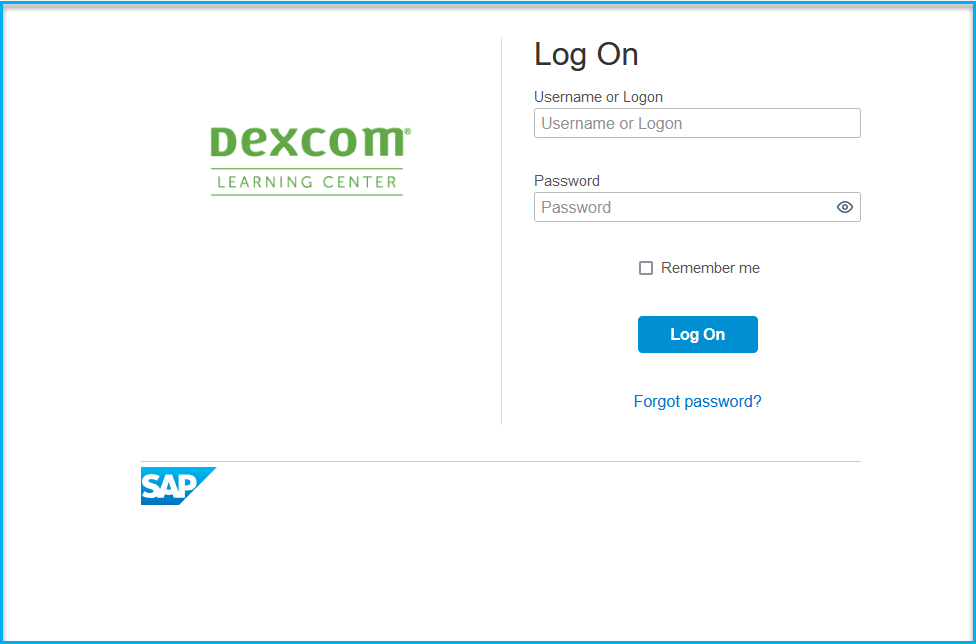
Should you continue to have any issues such as not receiving the email or with resetting your password, please let me know and I'll be happy to reset it manually.
