| Support Category: SSO |
| Specialist Notes: |
There are three known SSO issues that users may experience when attempting to access the DLC
1. The first is the usual SSO error that a user may contact us stating they are receiving when signing in.
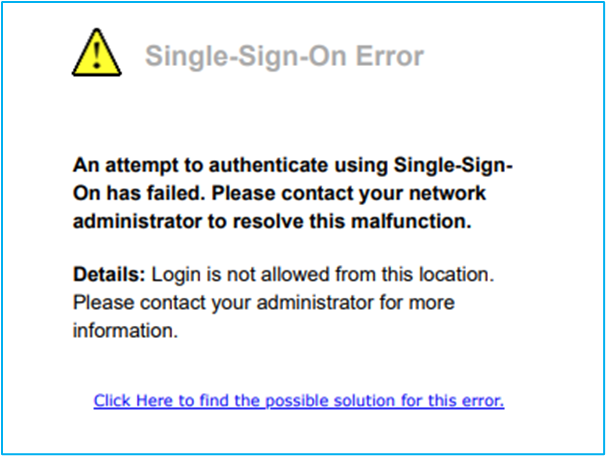
Should users see the above and troubleshooting and/or providing the SSO SR does not resolve the issue, please get a screenshot of the error along with any other information, such as the system check results (if troubleshooting was done) from the user and escalate it to the Dexcom administrators.
2. For users who are experiencing SSO issues with an error message of "User is not assigned to this application".
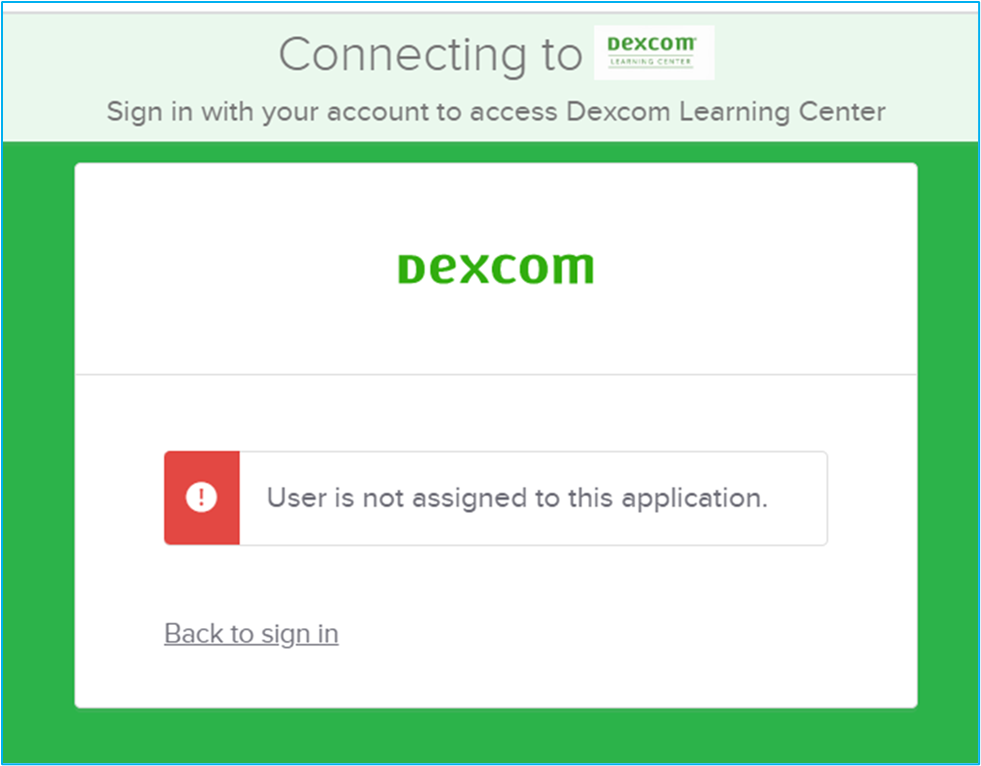
Please direct users to Barista (Dexcom's internal IT Team), instructing them to create an IT ticket. Kindly tell users that they need to be assigned to the DLC application in OKTA; unfortunately, this is why they are receiving the error message.
3. If users are receiving the following error message when attempting to set up OKTA on a new mobile device, please direct them to Dexcom's OKTA Support Team through Barista.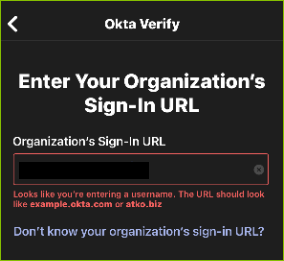
IMPORTANT! Always ask for a screenshot to determine which process to follow when assisting users with this issue. |
| Standard Response: |
